


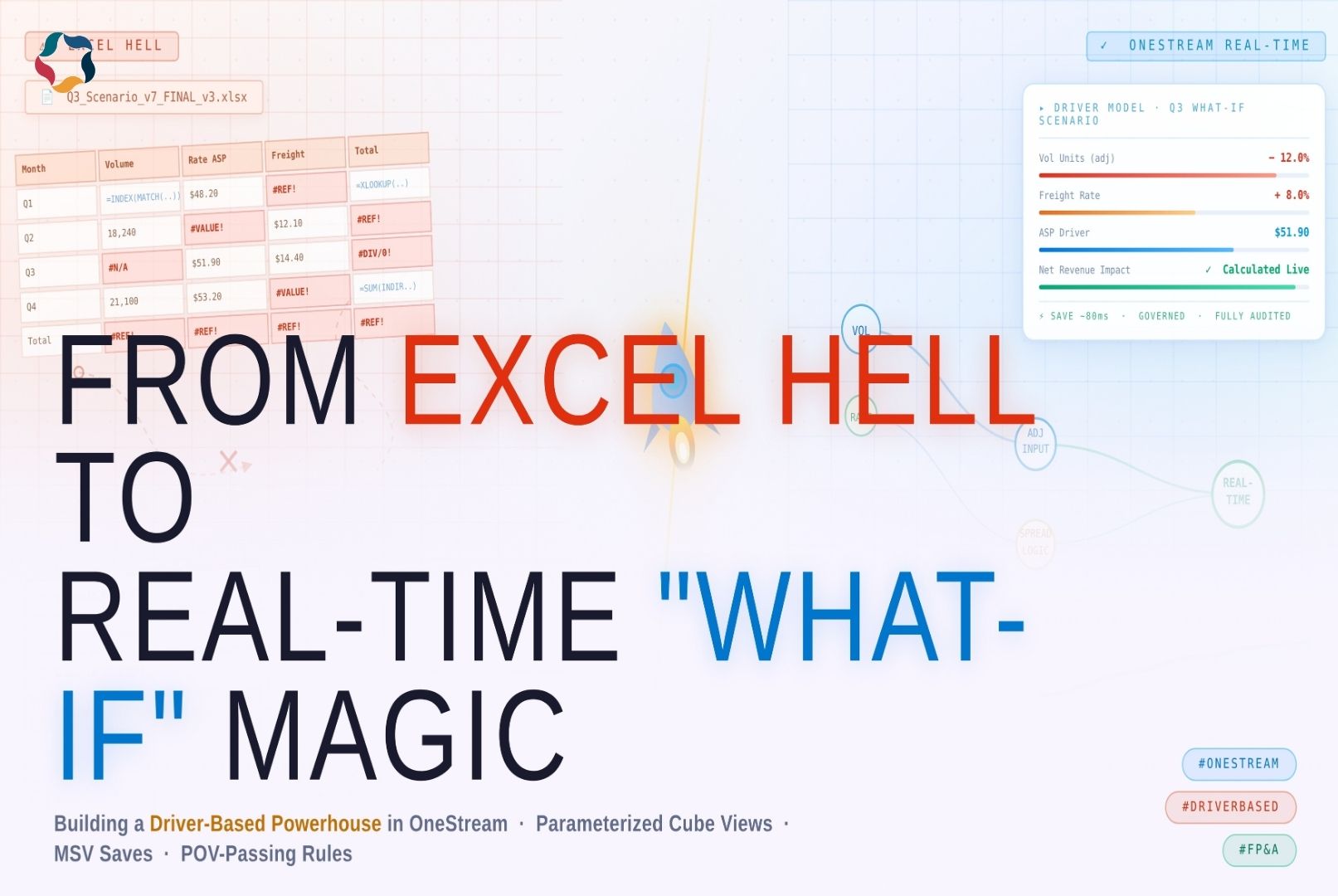
Driver-Based Planning in OneStream: From Excel Hell to Real-Time “What-If” Magic
Key Points
Introduction
In today’s volatile business landscape, driver-based planning stands as a cornerstone for modern FP&A teams seeking agility and precision. This approach transforms static financial models into dynamic systems where key operational drivers—like volumes, rates, and growth assumptions—directly influence forecasts, enabling real-time “what-if” analysis without the chaos of manual overrides. Yet, despite its promise, many driver-based planning implementations in OneStream falter, reverting to Excel-like inefficiencies: slow saves, scattered logic, and performance drags that undermine confidence.
As a OneStream developer, I’ve witnessed how poor design turns driver-based planning into a maintenance nightmare. The goal? Shift from slow, fragile Excel scenario modeling to seamless, real-time driver-based planning that empowers decisions. This blog provides a developer’s deep dive into parameterized Cube Views, reusable GetDataCell patterns, lightweight MSV saves, POV-passing Custom Calculate rules, and dashboard-driven archiving—proving driver-based planning can be transformative without performance nightmares. Whether you’re overhauling legacy models or fine-tuning existing ones, these patterns will elevate your driver-based planning game. Let’s dive in.
The Excel Era — Why It Still Haunts Finance Teams
Even in 2025–2026, many driver-based planning models remain 80% Excel under the hood:
- 50MB+ driver workbooks
- 1,000+ named ranges
- XLOOKUP / INDEX-MATCH chains ~8–10 levels deep
- 12 duplicated scenario tabs
- Power Query “consolidations” that shatter when someone reorders columns
The pain that never dies:
- Version sprawl: who has the golden copy?
- Formula fragility: one accidental delete equals hours of debugging
- No real audit trail: what changed between v5 and v6?
- No real-time collaboration
- Performance death spiral past ~100k rows
The goal is not just “move to OneStream.” The goal is to kill the Excel ghosts forever, paving the way for true driver-based planning that integrates seamlessly with business realities.
Core Philosophy — Drivers Are First-Class Citizens
Driver-based planning thrives when drivers are treated as first-class citizens, not bolted-on assumptions. This philosophy ensures models are maintainable and scalable from the start.
Storage patterns (ranked by maintainability):
- Dedicated Driver Accounts
a. A#Drv_Vol_Units b. A#Drv_Rate_ASPc. A#Drv_Growth_Pct
d. Under a “Drivers” parent hierarchy
Simple, auditable, beginner-friendly—perfect for foundational driver-based planning.
- UD Intersections
a. UD2 = Product Line for volumes b. UD3 = Channel / Region for ratesc. Scales beautifully when drivers vary by attribute, adding depth to driver-based planning.
- Hybrid Model
a. Core drivers in accounts b. Granular overrides in UD dimensionsc. The sweet spot for most complex driver-based planning environments.
Always enrich with metadata:
- Custom attribute: DriverType = Volume | Rate | Growth
- Clear descriptions: “Average selling price per unit – local currency”
- IsInput = True on editable members
Metadata-driven discovery beats hard-coded member lists every single time, making driver-based planning adaptable to evolving needs.
Dynamic Cube Views — The Front Door
The Cube View is your product UI in driver-based planning. Make it feel magical by using parameters for dynamic, intuitive interactions.
Standard column groups:
- Actual: Read-only imported or historical data
- Forecast: Baseline forecast for the selected period
- Input: Editable driver entries
- Adjustment: Auto-calculated diffs (Input − Forecast)
- Spread: Editable distributions by period or member (percent or value)
- Calculation: Final impacts and adjusted totals
Key Pattern #1 — Reusable GetDataCell “Repo” Rule Create one Finance Business Rule (for example: DynamicAdjustmentFetch) as the single source of truth for fetching adjustment-aware values in driver-based planning.
Instead of scattering logic across 20+ Cube Views:
- One rule
- Centralized logic
- Universal reuse
Pseudo-flow inside the business rule (conceptual):
Vb.net
Dim pov As String = api.Pov.ToString
Dim baseVal = api.Data.GetDataCell(“A#Forecast:” & pov).Data
Dim adjVal = api.Data.GetDataCell(“A#AdjInput:” & pov).Data Dim finalVal As Double = baseVal + adjVal ‘ or custom logic Return finalVal
Called in the Cube View: GetDataCell(BR#[DynamicAdjustmentFetch]):Name(Adjustment)
Change the logic once → every view updates instantly. No duplication. No silent inconsistencies. This is essential for efficient driver-based planning.
Lightweight Saves — MSV + Smart POV Passing
This is where many driver-based planning implementations go wrong—heavy saves kill user experience and scalability.
Heavy patterns cause:
- Full data buffers
- SetDataCell loops
- Bloated data units
- Multi-second save delays
The Lighter, Battle-Tested Pattern Step 1 — MSV (MemberScriptAndValue) User edits Adjustment or Spread columns → save writes directly to a dedicated input member (for example: A#AdjInput) using MSV.
Why MSV wins:
- Targeted write
- Extremely fast
- Minimal impact on large cubes
On big data units, this can drop save time from seconds to near-instant, supercharging driver-based planning responsiveness.
Step 2 — Detect Save Context and Pass POV Inside the GetDataCell rule (DynamicAdjustmentFetch), detect save context:
- api.Context.IsCalculation = True
- A#AdjInput was edited
Then pass the full POV plus entered value directly to a Finance Custom Calculate Business Rule (for example: ProcessAdjSave).
Step 3 — Custom Calculate Rule (ProcessAdjSave) This rule owns the heavy lifting:
- Validates tolerances and business rules
- Applies spread distribution logic
- Enforces caps and floors if needed
- Persists final values
- Logs audit trail (api.TaskActivity)
Governance stays centralized. Cube stays lean. No uncontrolled writes. No weekend fire drills—pure driver-based planning elegance.
Dashboard-Driven Archiving — Governance Without Tears
No more backend exports or manual copies in driver-based planning.
Dashboard components:
- Combo box: target scenarios
- Button: “Archive Current to Selected”
- Mandatory text box: change reason
Flow:
- Dashboard Extender Rule collects parameters and validates
- Finance BR executes api.Data.CopyData (source POV → target POV)
- Filters applied via POV
- Reusable spread and calculation logic invoked if needed
Clean. Controlled. Fully auditable—ensuring driver-based planning history is preserved effortlessly.
Under-the-Hood Must-Haves
For rock-solid driver-based planning:
- Data Management job with Custom Calculate step for controlled recalculation
- api.Data.Cache for repeated POV lookups
- Range-based api.Data.Calculate over cell-by-cell sets
- Structured workflow sequencing: Input → Calculate → Review → Archive
- Robust error handling and logging (api.ErrorHandler + user-friendly messages)
- Sandbox plus production-like data volume testing
These keep driver-based planning performant and reliable.
Lessons Learned (The Scars That Taught Us)
From countless driver-based planning projects:
- Hard-coded member names = technical debt bomb
- Full-buffer saves on ~1M+ intersections = weekend killer
- POV context is gold — pass it early and often
- Metadata-driven rules beat static lists every time
- Document POV-passing patterns
- User feedback loops cut rework dramatically
- Performance discipline separates good builds from elite ones
These insights make driver-based planning not just viable, but visionary.
Conclusion
Driver-based planning in OneStream unlocks unprecedented agility, turning “what-if” questions into actionable insights with minimal friction. By prioritizing first-class drivers, dynamic interfaces, lightweight saves, and governed workflows, you eliminate Excel’s legacy pains and build models that scale with your business. The patterns shared here—from GetDataCell repos to MSV + POV passing—aren’t theoretical; they’re proven to deliver real-time driver-based planning without the headaches.
Ready to transform your setup? Start small: audit your driver storage and implement one reusable rule. The payoff in speed, accuracy, and user adoption will be immediate. What’s holding back your driver-based planning today? Share below—let’s collaborate to conquer it.


Sarthak Patel
Software Engineer
Sarthak Patel is a Software Engineer specializing in Corporate Performance Management (CPM) solutions using OneStream. He works on developing and supporting enterprise financial applications, focusing on reporting, data integration, and system configuration. With experience in cubes, dimensions, Cube Views, workflows, and data loads, he builds scalable, data-driven solutions that support financial planning and reporting.